One ecosystem, zero friction
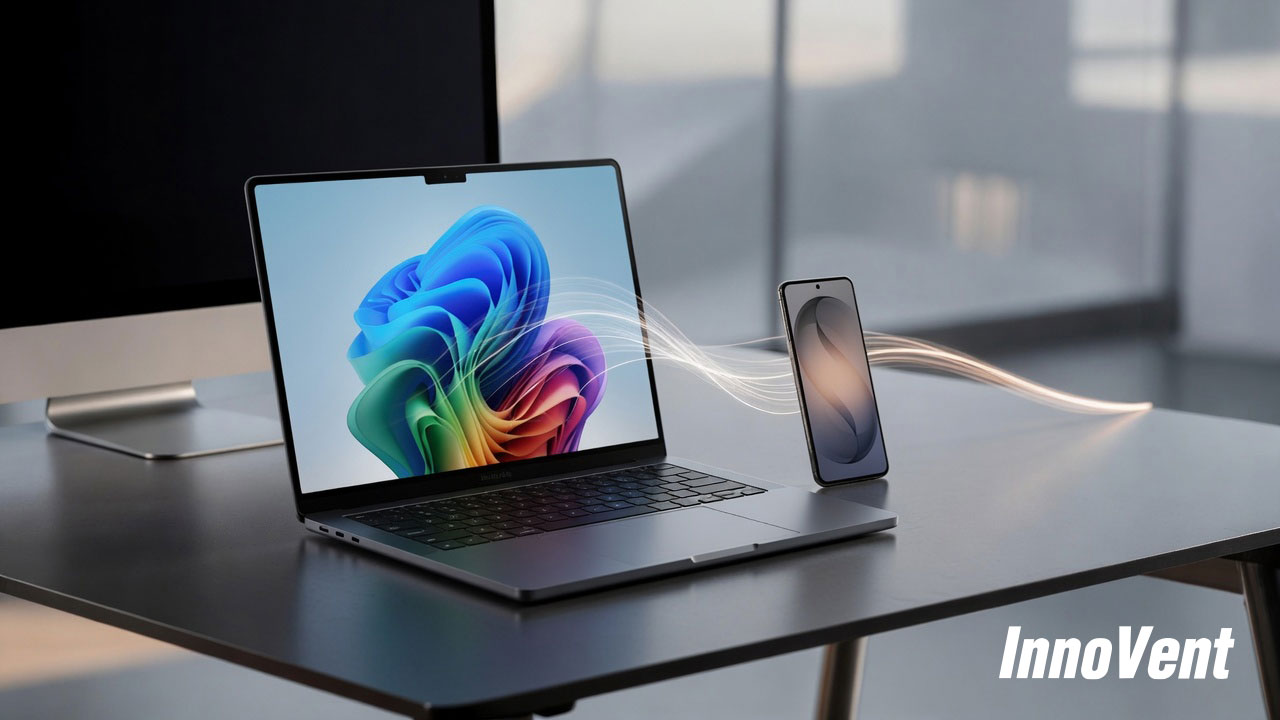
Your team already uses Samsung phones. What if their laptop worked seamlessly with them? Here is what the connected Samsung workplace actually looks like in practice.
The productivity cost of disconnected devices
Most corporate workforces operate across multiple devices simultaneously. Laptop on the desk. Phone in the pocket. Perhaps a tablet for client-facing or fieldwork. The devices exist in the same physical space and serve the same professional purpose, but in most deployments they operate independently. Files on the phone need to be emailed to the laptop. A notification on one device requires the user to pick up the other. Moving a working session between screens requires deliberate action and breaks concentration.
This fragmentation has become a more significant problem as working patterns have shifted. Hybrid workers move between devices throughout the day. Field-based employees work from their phone when a laptop is impractical and from their laptop when they need full productivity. Client-facing roles require devices to adapt quickly to different working contexts. The device ecosystem either supports that fluency or it creates friction at every transition.
For organisations where a significant proportion of the workforce already uses Samsung Galaxy smartphones, the Galaxy Book 6 Enterprise delivers a level of device integration that changes how those devices work together, rather than simply sitting next to each other.
Multi Control: one input, multiple devices
Multi Control is the Samsung feature that most directly changes the daily experience of working across devices. It allows a user to control their Galaxy smartphone using the same keyboard and trackpad they are using on their Galaxy Book 6 Enterprise, without any additional hardware or configuration required.
In practice, a user can move their cursor from the laptop screen to the phone screen, type on the phone using the laptop keyboard, copy content from the phone and paste it directly into a document on the laptop, and interact with phone notifications without picking the device up. The two devices function as a single integrated workspace rather than two parallel environments.
The operational value is in the reduction of context switching. Every time a user puts down one device, picks up another, navigates to the relevant application, and returns to their primary work, they are spending time on device management rather than on the task. Multi Control eliminates the most common version of this friction for any user carrying both a Galaxy Book and a Galaxy smartphone.
Second Screen: instant additional display
Screen real estate is a consistent productivity factor for users whose work involves reference material alongside active documents, multiple communication channels running simultaneously, or data that needs to remain visible while they work in another application.
For users in fixed desk environments, a second monitor addresses this. For users who move between locations, it is rarely available.
Second Screen turns a Samsung Galaxy Tab into an additional display for the Galaxy Book 6 Enterprise. No cable. No dock. No additional configuration. The tablet connects wirelessly and appears as an extended display that the user can position wherever it is most useful. For a user carrying both devices, it is an additional screen available wherever they are working, at no additional equipment cost beyond the devices they already have.
For roles that involve client presentations, reference-intensive analysis, or monitoring multiple information streams simultaneously, this capability changes what is achievable from a location without fixed display infrastructure. The user brings their own multi-screen setup with them.
Storage Share: files without the transfer
File transfer between devices is one of the most persistent low-level inefficiencies in enterprise working. A file exists on a phone. It needs to be on the laptop. The user emails it to themselves, uses a cloud storage service, connects a cable, or finds another workaround. Each approach works. None of them is frictionless.
Storage Share removes this friction entirely for Galaxy Book and Galaxy smartphone users. A user can browse the files stored on their Galaxy phone directly from the file manager on their Galaxy Book 6 Enterprise, without any transfer, sync, or cable required. Content moves between devices the same way it moves between folders.
For field-based workers who capture content on their phone during site visits or client meetings and then need that content on their laptop to write it up, the workflow becomes seamless. The device transition is invisible. The work continues without interruption.
The case for aligning your device strategy
The Samsung ecosystem features are most valuable in organisations where Galaxy smartphones are already the standard mobile device. In those environments, every Galaxy Book 6 Enterprise deployment immediately activates a connected working experience without additional infrastructure investment or user behaviour change.
For organisations yet to standardise on a mobile platform, or currently reviewing their mobile estate alongside a laptop refresh, the Galaxy Book 6 Enterprise makes a strong case for aligning the two decisions. The integration is built into the platform and available from the day of deployment.
- Assess what proportion of your workforce already uses Samsung Galaxy smartphones - this determines the immediate ecosystem value unlocked by a Galaxy Book 6 Enterprise deployment
- Include mobile device compatibility in your laptop procurement brief, not as a separate consideration
- Evaluate the productivity saving from reduced context switching and file transfer friction against the device cost on a per-user, per-month basis
- Consider whether mobile and laptop refresh decisions should be aligned to maximise ecosystem value across the estate
- Ask your leasing partner whether multi-device lifecycle management is available across both the laptop and mobile fleet, not just one or the other
InnoVent manages the Samsung Galaxy Book 6 Enterprise on a full lifecycle basis and can advise on how to structure a Built for Business deployment that maximises Samsung ecosystem value for your specific workforce. If you would like to understand what that looks like in practice, speak to our team.
Related Blogs
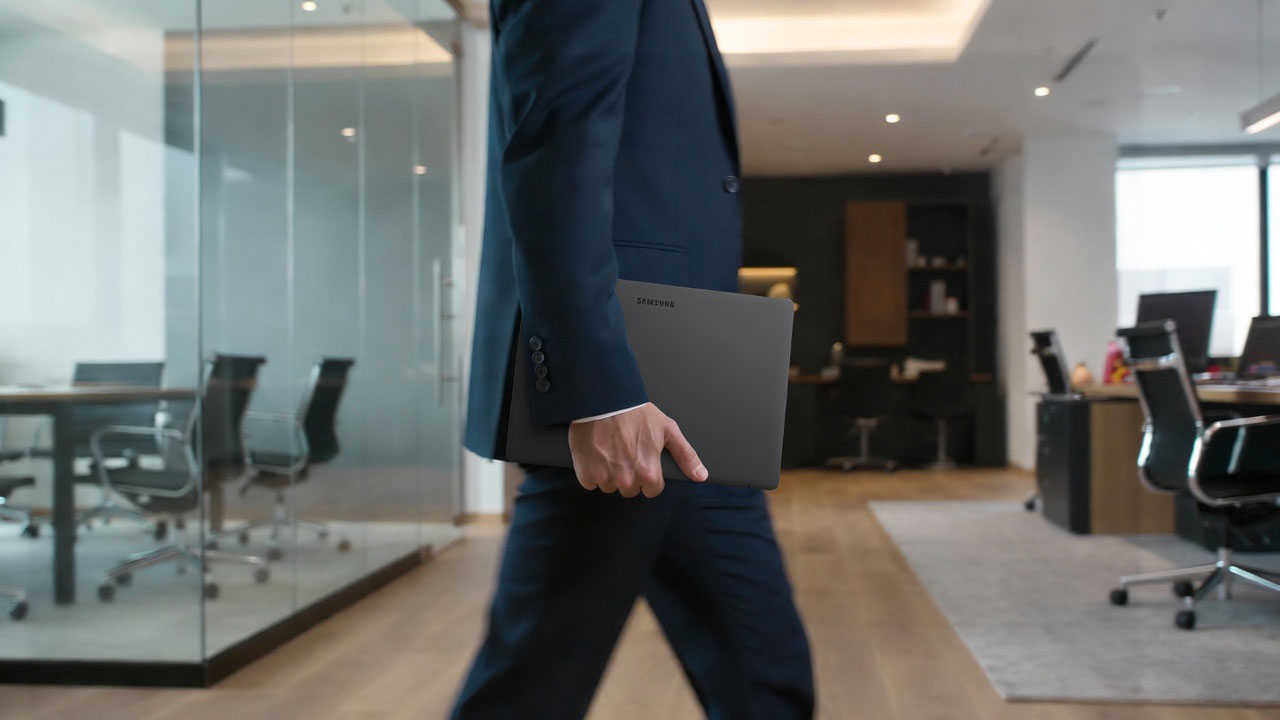
Why More Law Firms Are Taking a Fresh Look at Premium Business Laptops
For many law firms, choosing a laptop isn't simply about specifications. It's about providing fee earners and partners with a device that feels premium, performs consistently throughout the working day, and integrates seamlessly with the technology they rely on.
AI at work: beyond the buzzword
Every device vendor says AI now. But what does on-device AI actually do for a corporate workforce on a Tuesday afternoon? Here is the honest answer for the Samsung Galaxy Book 6 Enterprise.